
Choose Your Role

Team

Venues

Message

Workers

How Neighcrew Works

A simple way to connect workers with venues that need help.

How It Works for Workers

Finding shifts
1

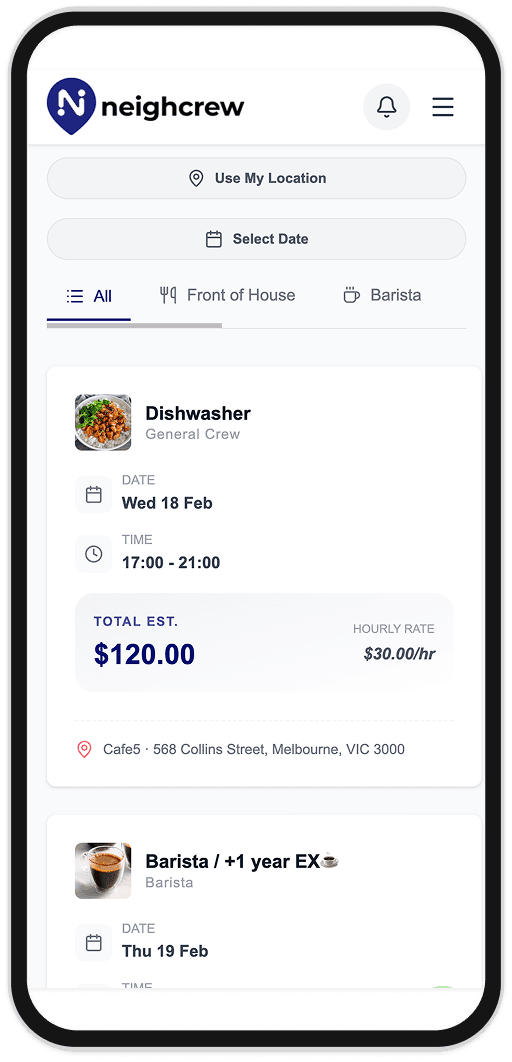
Find and apply for shifts

Browse shifts by location, date, and role. Check pay, times, and venue details. Set up your profile to highlight your strengths, then apply with one tap.

Chat with venue and get approved
2

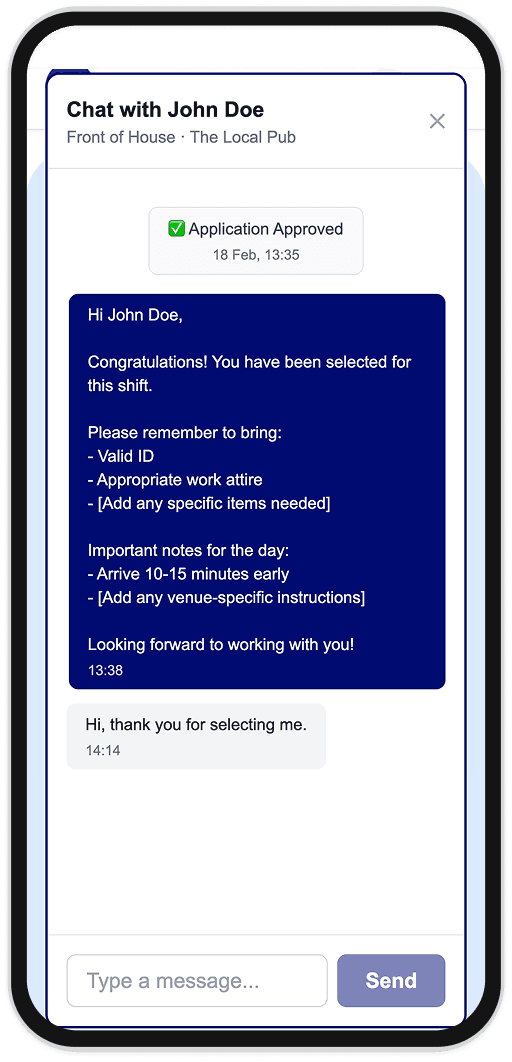
Chat with the venue & get approved

After you apply, message the venue to ask questions or confirm details. Once the venue approves you, you're confirmed for the shift.

Getting paid
3

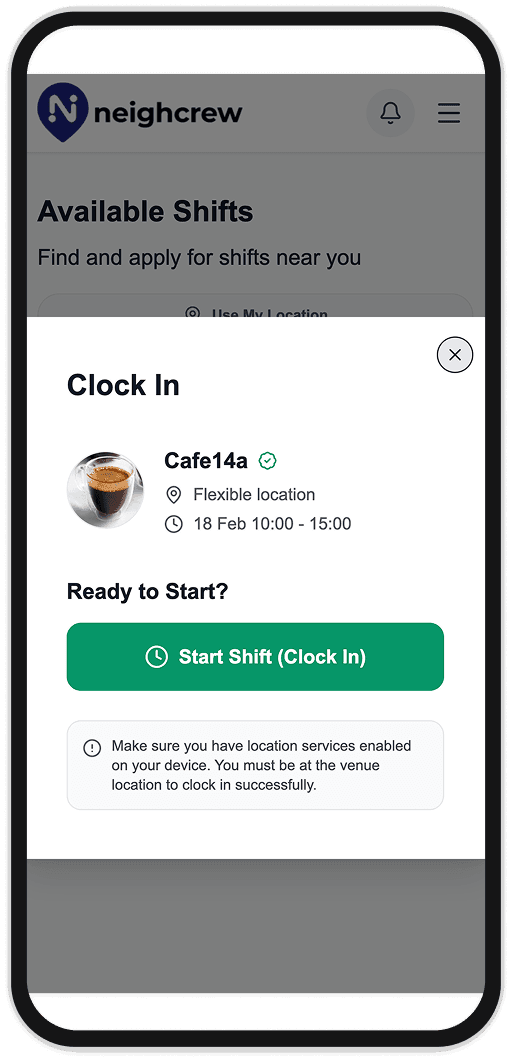
Clock in & out, get paid securely via Stripe

Clock in at the venue with GPS so your attendance is verified. Your profile earns reviews as you work, and payment is processed automatically after each completed shift.

How payments work

Venue

Neighcrew logo

Worker

Post shift

Find & match

Apply

Approve worker

Track shift

Work shift

Pay securely via card

Stripe

Stripe processes payment

Receive payout

Neighcrew never holds your money.

Payments move securely through Stripe.

Workers get the exact agreed pay.

Venues cannot be falsely accused of non-payment.

Neighcrew never stores bank details.

Why workers love Neighcrew

Build your reputation

Earn reviews and build a trusted profile as you complete shifts.

Fast, secure payouts

Get paid automatically after each shift, directly to your account.

Flexible schedule

Choose shifts that fit your availability and work-life balance.

Find shifts nearby

Browse opportunities in your area and filter by distance.

No-show protection

Protected from last-minute cancellations with fair policies.

How It Works for Venues

Post a shift
1

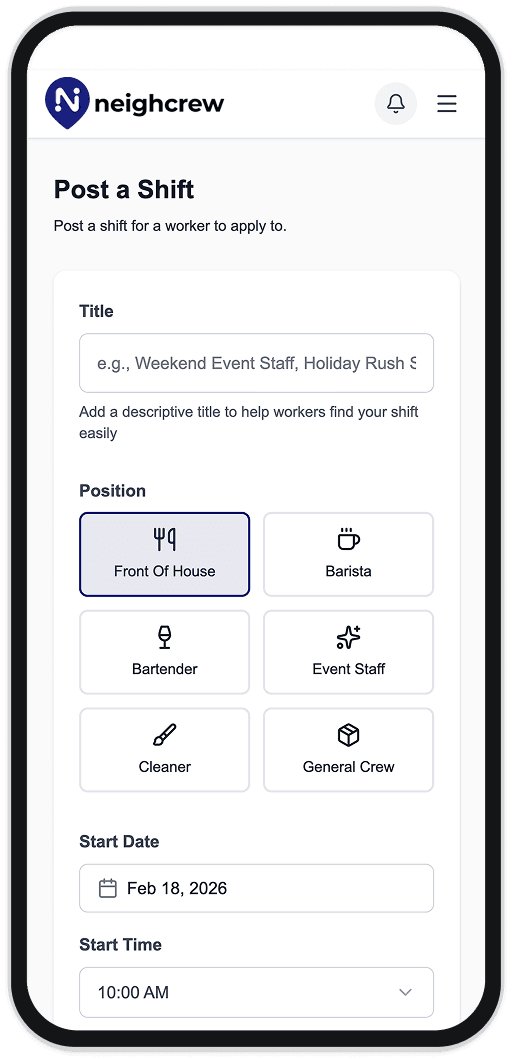
Create and post your shift

Add a clear title, choose the position (e.g. Front of House, Barista), and set the date and time. Your listing helps the right workers find and apply.

Review applicants and approve workers
2

Review applicants & approve workers

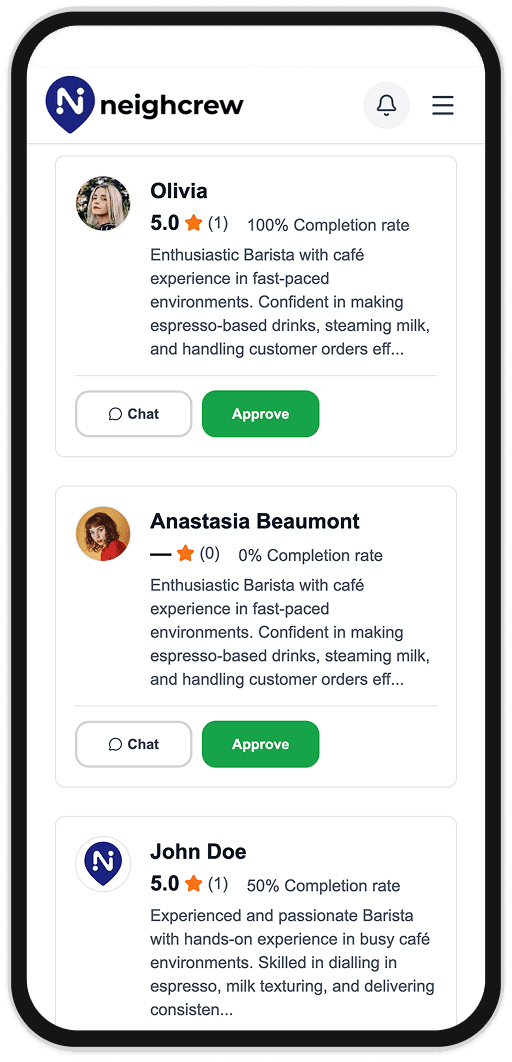
See who applied with their profile, ratings, and completion rate. Chat to confirm details, then approve the workers you want for the shift.

Confirm payment after shift
3

Confirm payment after the shift

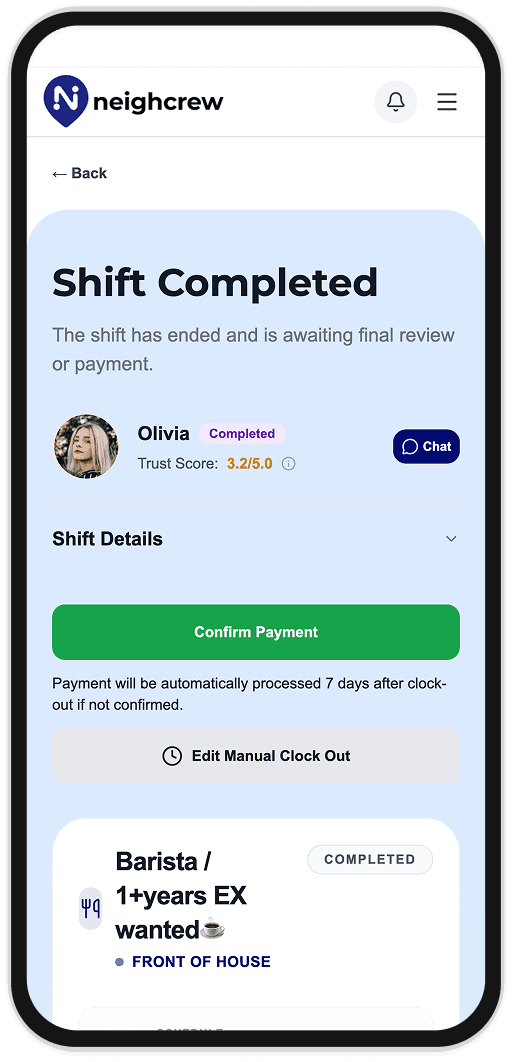
When the shift is done, review the completed shift and confirm payment. You can edit clock-out if needed. Payment is processed automatically 7 days after clock-out if not confirmed.

Safety and trust at every shift

GPS-verified attendance

Clock in/out is verified using GPS to ensure you're at the right location.

Cancellation protection

Fair policies protect both workers and venues from last-minute changes.

Verified venues

All venues are verified businesses with complete profiles.

Automated payments

Secure, automatic payment processing after shift completion.

Fair review system

Transparent reviews help build trust between workers and venues.

Safety and trust

Frequently Asked Questions

Ready to get started?